
If you’re working in a small team — two, five, maybe ten people — and you’re trying to figure out how to use AI without it becoming another thing to manage, this guide is for you. We’ll walk through a simple, practical workflow that small teams are actually using in 2026 to move faster and do better work.
Small teams have a unique problem with AI. The tools are built for individuals or for large enterprises with dedicated IT budgets. The middle ground — a lean team that needs real efficiency gains without a six-month implementation project — is underserved.
The good news: small teams can actually get more out of AI than large ones. Less bureaucracy, faster decisions, quicker adoption. You just need the right workflow.
Why Most Small Teams Struggle With AI
The most common pattern goes like this: someone on the team tries ChatGPT, thinks it’s impressive, shares it with the group. Everyone uses it randomly for a few weeks. The novelty wears off. It becomes one more tab nobody opens.
The problem isn’t the tool. It’s that there was never a workflow — just individual experiments with no shared structure.
AI compounds when everyone on a team uses it consistently for the same types of tasks. That’s when you stop saving minutes and start saving hours.
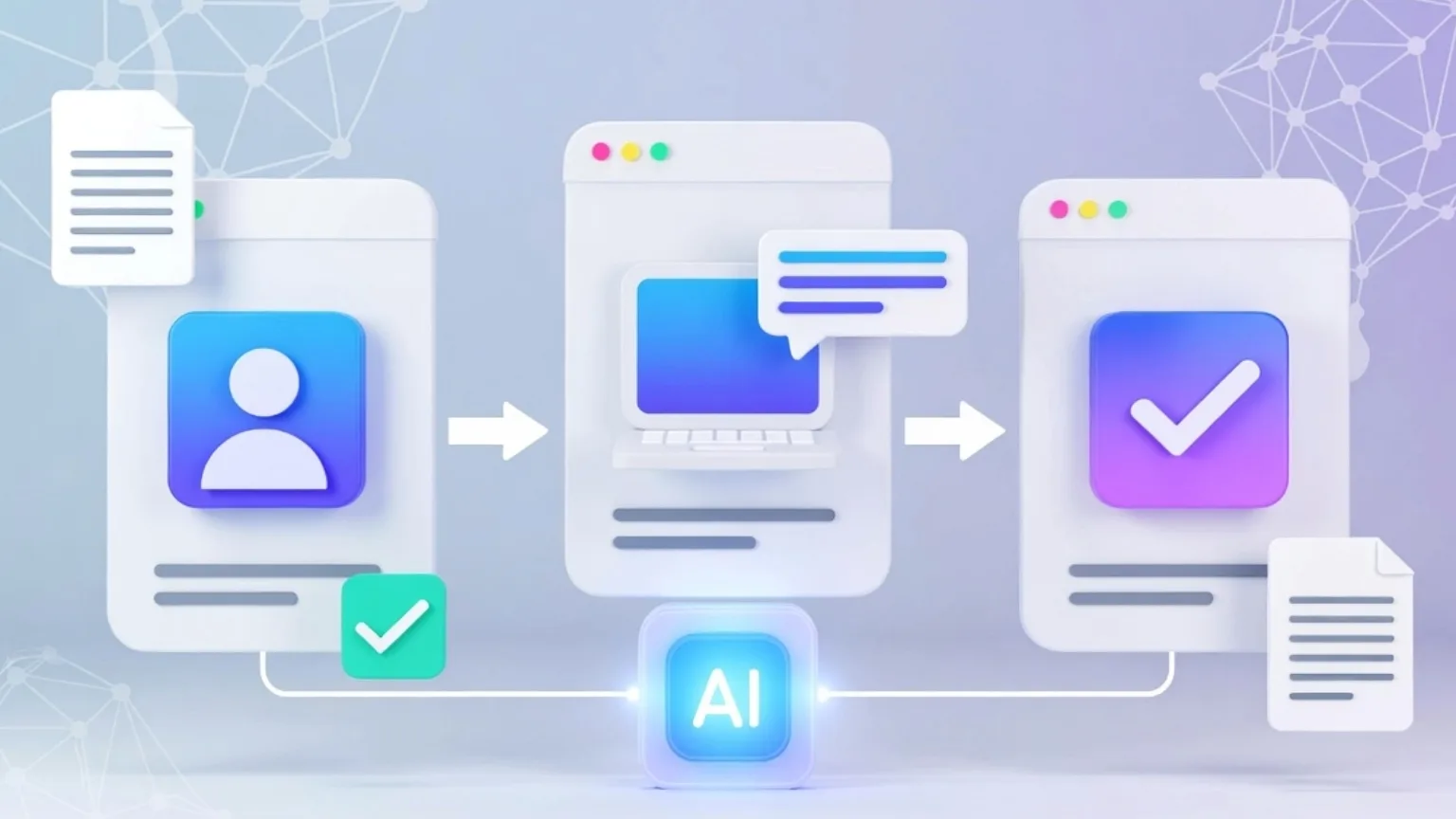
The Three Stages of an Efficient Small Team AI Workflow
Stage 1 — Shared Research and Information Gathering
Most small teams waste enormous amounts of time doing redundant research. Two people on the same team independently spending an hour each understanding the same topic. No shared notes. No common reference point.
An AI workflow fixes this at the source.
Designate one place — a shared Notion workspace, a Google Doc, anything — where research gets collected. When anyone on the team needs to get up to speed on something, they use an AI research tool first, then drop the key findings in the shared space.
What this looks like in practice:
- Someone needs to understand a competitor’s product before a meeting. They spend fifteen minutes with Perplexity, pull the key points, and drop them in the shared doc.
- The next person who needs that information finds it in thirty seconds instead of starting from scratch.
- Over time, the team builds a living knowledge base that gets more useful every week.
This single habit — shared AI-assisted research — eliminates more duplicated effort than almost anything else a small team can do.
Stage 2 — Individual Work With a Consistent Toolkit
Once the team has a shared research foundation, individual work moves faster when everyone is using the same core tools.
This doesn’t mean micromanaging how people work. It means agreeing on two or three tools so that when someone needs help, they’re not starting from zero every time.
A simple toolkit for a small team:
For research and quick answers — Perplexity. When anyone needs to find information fast, this is the first stop. Consistent, sourced, reliable.
For thinking and drafting — Claude or ChatGPT. For writing emails, drafting documents, working through a problem, or turning rough notes into something structured. Pick one and stick with it so the team develops shared prompting habits.
For organizing — Notion AI or a simple shared doc system. Wherever the team stores its work, make sure AI features are turned on and everyone knows how to use them.
Three tools. One clear purpose each. That’s the whole toolkit.
Stage 3 — Team Review and Human Judgment
This is the stage most AI workflow guides skip — and it’s the most important one for small teams.
AI output always needs a human pass before it goes anywhere important. A client email, a published article, a strategic document — these need someone’s eyes on them, not just an AI’s.
For small teams, build this into the process explicitly:
Set a simple rule: anything AI-assisted that goes to a client or gets published needs one human review before it leaves the team. Not a committee — just one person reading it with fresh eyes.
This takes five minutes. It catches the things AI consistently gets wrong: the slightly off tone, the missing context, the claim that sounds right but isn’t quite accurate.
The teams that skip this step are the ones that eventually have an embarrassing AI mistake. The teams that keep it are the ones that move fast without losing quality.
A Real Week in the Life of a Small Team Using This Workflow
Say you’re a three-person content and marketing team.
Monday: You have a strategy meeting coming up on Wednesday. One person spends twenty minutes using Perplexity to pull together a competitive overview. They drop it in the shared Notion space. Everyone reads it before the meeting. No one shows up unprepared.
Tuesday: Two people are writing content independently. Both use Claude to move from outline to draft faster. One shares a draft in the team doc for a quick review. The other spots one section that sounds off and fixes it before it goes out.
Wednesday: The strategy meeting. Because everyone had the same research going in, the conversation starts at a higher level. Less time spent catching people up, more time spent actually deciding things.
Thursday and Friday: Execution. AI handles the drafting, the summarizing, the formatting. Humans handle the judgment calls, the client relationships, the things that actually require a person.
Total AI time invested across the week: maybe two hours across the whole team. Time saved: significantly more than that.
The One Thing That Makes or Breaks a Team AI Workflow
Consistency.
A workflow that three people use inconsistently produces worse results than no workflow at all — because you get some AI-assisted work and some not, and the quality is uneven.
The teams that get the most out of AI are the ones that agree on a small number of habits and actually stick to them. Not forever — you iterate as you learn — but long enough to see whether something is working.
Pick the simplest version of the workflow above. Run it for three weeks. Then decide what to adjust.
What to Avoid as a Small Team
Don’t let one person become the “AI person.” If only one team member uses AI tools, you’ve created a bottleneck, not an efficiency. The workflow needs to be shared.
Don’t use AI for things that need a personal touch. Sensitive client conversations, feedback to a colleague, anything where the relationship matters more than the speed — do those yourself.
Don’t adopt new tools mid-project. Wait until a project is finished before switching or adding tools. Mid-project changes kill momentum.
Don’t skip the review step. It’s five minutes. It’s worth it every time.
TL;DR — The Short Version
- Most small teams fail with AI because they use tools randomly with no shared structure
- An efficient small team AI workflow has three stages: shared research, individual work with a consistent toolkit, and human review before anything important goes out
- Keep the toolkit small: Perplexity for research, Claude or ChatGPT for thinking and drafting, Notion AI for organizing
- The one thing that makes it work: consistency — agree on a few habits and actually stick to them
- Don’t skip the human review step — it takes five minutes and catches what AI consistently gets wrong
Small team. Simple workflow. Bigger output.