
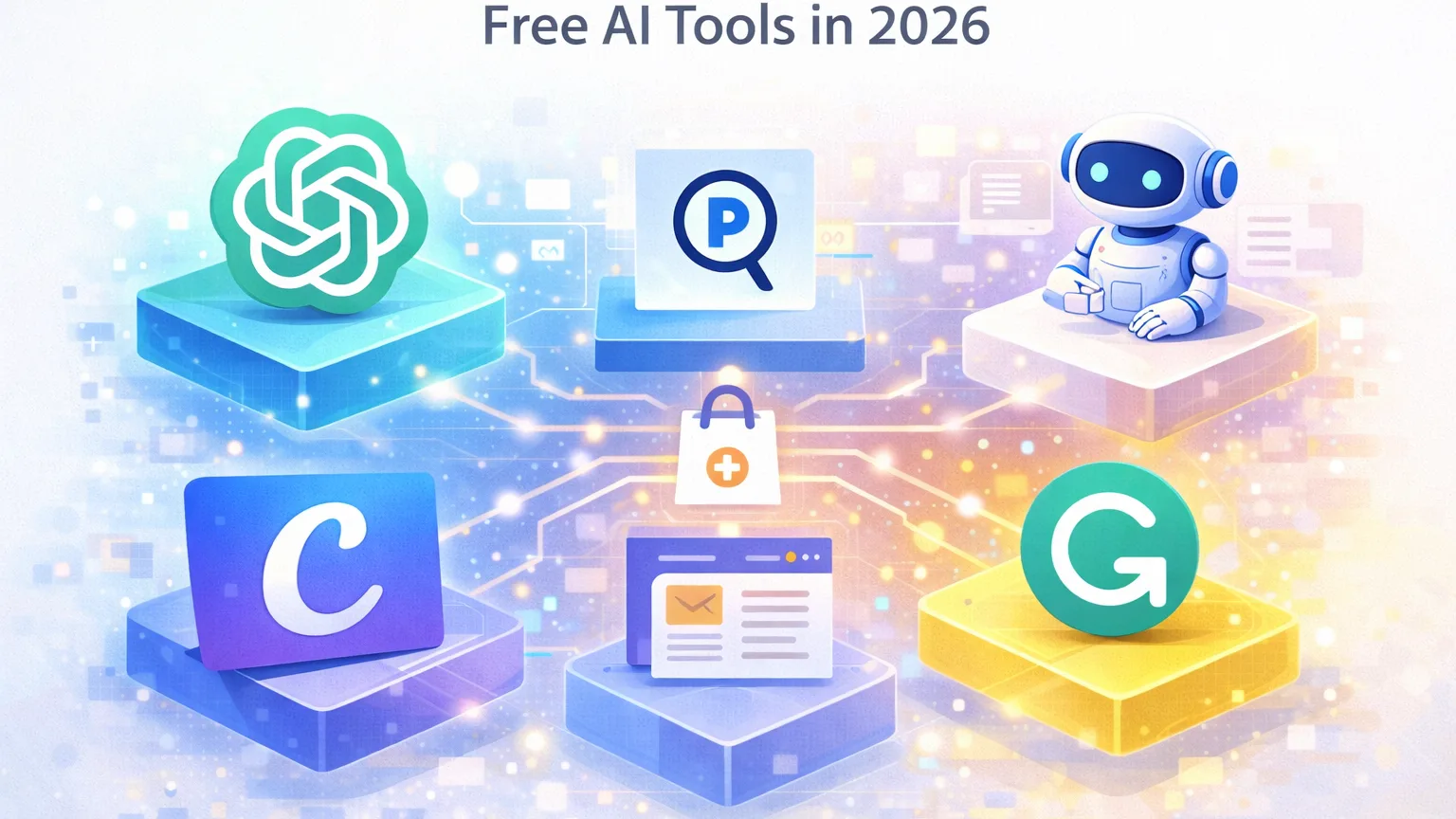
Artificial intelligence tools have become essential for modern work. They help professionals research faster, write more clearly, automate repetitive tasks, and organize large amounts of information.
However, many people assume that the most powerful AI tools are only available through expensive subscriptions.
In reality, many excellent AI tools offer free versions that are surprisingly capable. While they may include some usage limits, they are often more than sufficient for everyday tasks.
This guide highlights some of the most useful free AI tools available in 2026 and explains where they work best.
What makes a free AI tool actually useful?
Not all free tools provide real value. Some offer extremely limited functionality or require upgrades for basic features.
The most useful free AI tools typically provide:
- meaningful functionality without immediate paywalls
- practical value for everyday tasks
- reasonable usage limits
- clear workflows that improve productivity
Free AI tools are particularly useful for individuals, small teams, and anyone exploring how AI can improve their daily work.
1. ChatGPT — the most versatile free AI assistant
ChatGPT remains one of the most widely used AI tools in the world, and its free tier is still extremely useful for many tasks.
Even without a paid subscription, users can rely on ChatGPT for a wide range of activities.
What you can do with the free version
The free version is commonly used for:
- drafting emails and documents
- brainstorming ideas
- explaining complex topics
- summarizing information
- improving writing clarity
Because of its versatility, ChatGPT often becomes a general-purpose AI assistant for daily work.
Where it works best
ChatGPT works particularly well for knowledge workers who need help with writing, planning, and thinking through problems.
2. Perplexity — one of the best free AI research tools
Perplexity is designed specifically for research and information discovery.
Instead of providing a list of links like traditional search engines, it generates answers supported by sources.
What makes it useful
The free version allows users to:
- research unfamiliar topics
- compare information from multiple sources
- quickly understand complex subjects
- gather references for articles or reports
This makes Perplexity one of the most practical tools for AI-assisted research.
When to use it
Perplexity is ideal when you need to understand a topic quickly and verify the information you find.
3. Notion AI — improving productivity inside a workspace
Many teams already use Notion for documentation, task management, and internal knowledge bases.
Notion AI extends this workspace with AI-powered features.
What the free tools can help with
Notion AI features can assist with:
- summarizing notes
- drafting documents
- organizing ideas
- generating structured content
For teams that already rely on Notion, these features make documentation workflows significantly easier.
4. Canva AI — free design and content creation tools
Design used to require specialized tools and design skills.
Canva has introduced several AI-powered features that make visual content creation far easier.
What you can do with Canva AI
Users can create:
- presentations
- social media graphics
- visual documents
- simple marketing materials
AI tools help generate layouts, suggest design ideas, and assist with text generation for visuals.
Why it is useful
For individuals and small teams without dedicated designers, Canva provides an accessible way to produce professional-looking visuals.
5. Grammarly — AI-powered writing assistance
Clear writing is essential in almost every professional environment.
Grammarly uses AI to help users improve the clarity and correctness of their writing.
What the free version includes
The free version helps with:
- grammar corrections
- spelling issues
- sentence clarity
- basic tone improvements
Even small improvements in writing quality can make emails, reports, and documents more effective.
A practical free AI toolkit
Many professionals combine several free tools together to build a simple AI productivity stack.
A common setup might include:
- ChatGPT for general tasks and writing
- Perplexity for research and fact-checking
- Notion AI for organizing knowledge
- Canva AI for visual content
- Grammarly for improving writing
Together, these tools cover many of the most common tasks professionals face every day.
Final thoughts
The growth of AI tools has made powerful technology more accessible than ever before.
You no longer need expensive software to benefit from artificial intelligence. Many free AI tools already provide enough functionality to significantly improve everyday workflows.
For individuals and small teams, these tools can reduce repetitive work, improve productivity, and make complex tasks easier to manage.
The best approach is not trying every tool available, but finding a small set of tools that genuinely improve how you work.