
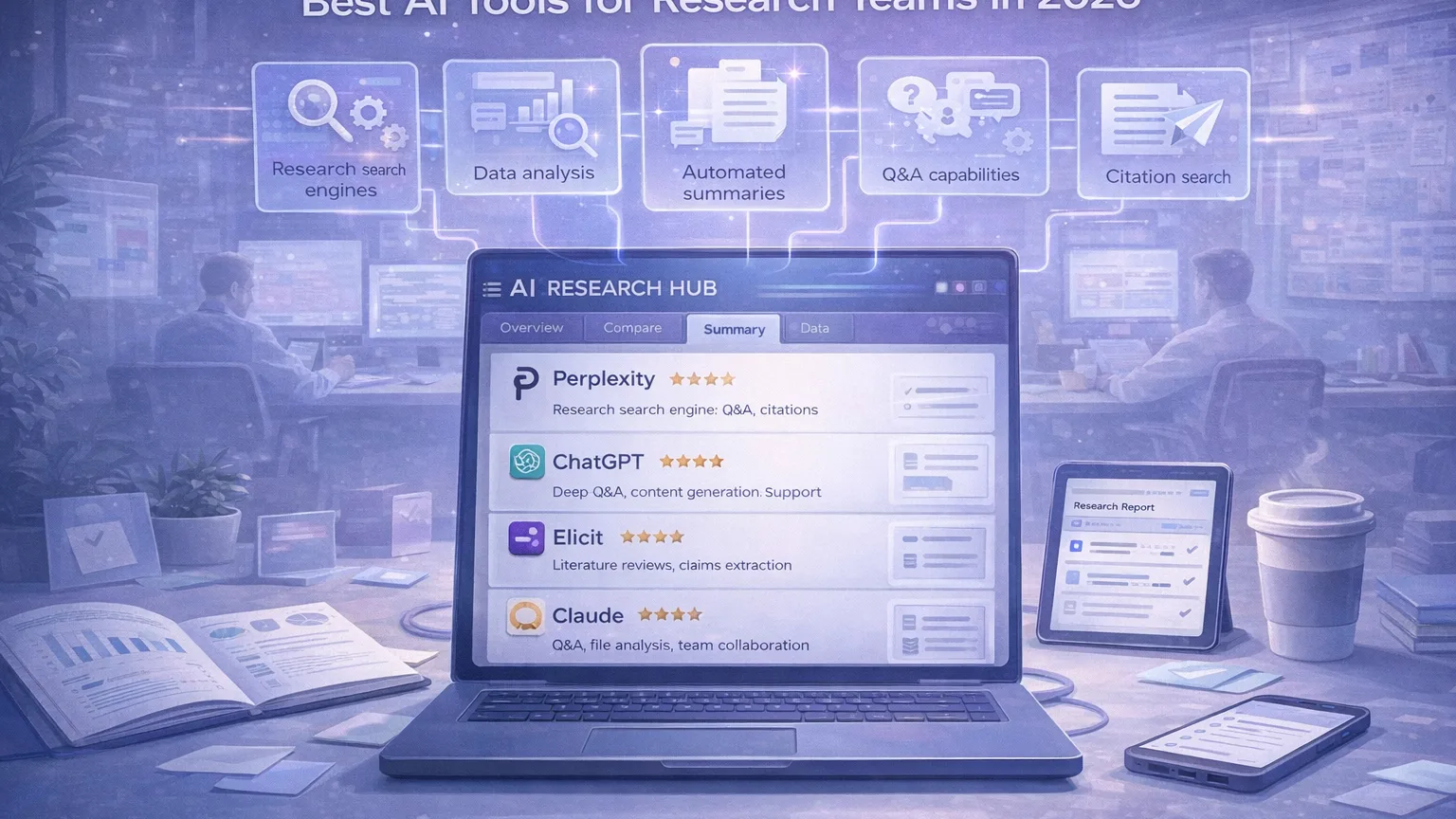
Research teams do not need more tools. They need a smaller set of tools that actually make core work faster: finding evidence, comparing sources, summarizing long material, evaluating claims, and turning messy inputs into something a team can use.
That is why the best AI stack for research in 2026 is not about picking the single “smartest” model. It is about matching tools to jobs.
Some tools are strongest at search. Others are better at long-context synthesis. Some are useful for literature review or citation checking. A few are best used only at the end of the workflow, when the team needs to turn notes into briefs, reports, or internal memos.
This guide looks at the AI tools that are most useful for research teams right now, what each tool does best, and how to combine them into a workflow that saves time without lowering quality.
What research teams actually need from AI tools
A good research stack should help with five things:
- finding relevant information quickly;
- verifying claims and tracing sources;
- summarizing long material without losing structure;
- comparing documents, papers, or viewpoints;
- turning research into usable outputs for the rest of the team.
The mistake many teams make is trying to use one tool for all five jobs.
In practice, research work usually improves when teams use a small combination:
- one tool for search and exploration;
- one tool for deep synthesis;
- one tool for literature and citation quality;
- one tool for final drafting and operational output.
1. Perplexity
Perplexity is one of the best starting points for research teams because it reduces the time between asking a question and seeing an answer with sources.
For many teams, this is the fastest way to:
- map a topic quickly;
- find a starting set of references;
- compare viewpoints across multiple sources;
- validate whether a topic is worth deeper investigation.
The biggest strength of Perplexity is that it behaves more like an answer engine than a traditional search engine. That makes it especially useful during the first part of research, when the team is still framing the problem.
Best use cases
- rapid topic exploration;
- first-pass source collection;
- executive-style research summaries;
- question answering with visible citations.
Where it is weaker
Perplexity is less useful once the job becomes highly document-heavy or requires structured synthesis across long files. It is great for getting oriented, but it is usually not the final workspace where a team should do its deepest analysis.
2. ChatGPT
ChatGPT is strongest when research has to turn into something usable.
Once a team has source material, notes, transcripts, or draft conclusions, ChatGPT becomes valuable as a working layer for:
- synthesizing multiple inputs;
- restructuring findings into reports or memos;
- producing internal summaries for stakeholders;
- converting research into briefs, presentations, or decision-ready documents.
It is also useful when a research team needs one tool that can move between different modes of work in a single day: search framing, document analysis, writing, spreadsheet help, and output formatting.
Best use cases
- turning raw research into outputs;
- summarizing multi-source findings;
- writing research briefs;
- converting notes into structured deliverables.
Where it is weaker
ChatGPT is powerful, but teams still need to be deliberate about source control. It is best when paired with clearly scoped inputs or trustworthy material from earlier stages of the workflow.
3. Claude
Claude is especially useful when the research job depends on long context.
If your team regularly works with:
- long reports;
- interview transcripts;
- policy documents;
- technical specifications;
- uploaded files inside a focused project workspace;
then Claude is often one of the best tools available.
It tends to perform best when the work requires careful reading, structured extraction, and consistent synthesis across a large body of material.
For research teams, Claude is often not the fastest tool for exploration, but it is one of the best tools for “stay with this material and make sense of it.”
Best use cases
- long-document analysis;
- extracting themes across large source sets;
- comparative reading;
- research workspaces built around a set of uploaded materials.
Where it is weaker
Claude is less of an instant answer engine than Perplexity. It shines more once the team already has material to analyze.
4. Elicit
Elicit is one of the most useful tools in this category when the work is specifically research-heavy rather than general knowledge work.
It is particularly relevant for teams doing:
- literature review;
- evidence gathering;
- paper search;
- systematic review support;
- structured extraction from research sources.
The value of Elicit is not that it acts like a general AI chatbot. Its value is that it is designed around research tasks that normally take too much manual effort.
If your team spends a lot of time moving through papers, building evidence tables, screening sources, or extracting structured information, Elicit can be one of the highest-leverage tools in the stack.
Best use cases
- literature review;
- finding relevant papers beyond simple keyword matching;
- screening and extraction workflows;
- evidence collection for research-heavy teams.
Where it is weaker
Elicit is not the best all-purpose tool for general writing, broad search, or internal team communication. It is strongest when the workflow is explicitly research-centric.
5. Scite
Scite is especially useful when the question is not just “What does this paper say?” but “How is this claim treated in the wider literature?”
That matters because many research teams waste time on source discovery but spend too little time on source evaluation.
Scite helps with this by making citation context more useful. Instead of just seeing that something was cited, the team can focus more on whether the underlying work has been supported, contrasted, or discussed in a more meaningful way.
For research teams working in science, policy, evidence review, or high-trust content, this is extremely valuable.
Best use cases
- evaluating the strength of citations;
- checking how research claims are treated across later work;
- literature support and contradiction analysis;
- high-trust evidence review.
Where it is weaker
Scite is not meant to be the central writing workspace for a team. It is a specialist tool that improves evidence quality and citation judgment.
Which tool should a team use first?
That depends on the stage of the research workflow.
For exploration
nStart with Perplexity.
Use it to define the problem, discover source directions, and generate a first set of promising leads.
For document-heavy analysis
Use Claude.
Upload the material, set the task clearly, and use it for extraction, comparison, and deeper synthesis.
For literature and claim checking
Use Elicit and Scite.
These are the tools that make the stack feel more serious and less generic.
For output and communication
Use ChatGPT.
It is one of the strongest tools for converting research into something the rest of the organization can use.
A simple research stack for most teams
If a research team wants a practical default setup, this is a strong starting stack:
- Perplexity for exploration and source discovery;
- Claude for long-context synthesis;
- Elicit for literature review workflows;
- Scite for citation quality and evidence evaluation;
- ChatGPT for final output creation and internal communication.
Not every team needs all five.
A smaller setup for many teams could be:
- Perplexity + Claude + ChatGPT
That already covers:
- search;
- synthesis;
- output.
Then teams with more formal research needs can add Elicit and Scite.
What to look for before adopting any AI research tool
Before rolling a tool out to the whole team, evaluate it against a short checklist.
1. Does it reduce time to first useful output?
A tool is only valuable if it shortens the distance between question and usable output.
2. Does it make source quality clearer or fuzzier?
For research work, a fast answer is not enough. Teams need traceability and judgment.
3. Does it fit the real workflow?
Many tools demo well but fail once they meet real documents, real timelines, and real collaboration.
4. Can the output be reused?
The best tools do not just generate text. They help teams create reusable notes, briefs, summaries, and source structures.
5. Does the team trust the workflow?
If a tool saves time but the team does not trust what comes out of it, adoption will stall.
Final verdict
The best AI tools for research teams in 2026 are not all competing for the exact same role.
That is the good news.
Research teams do not need to choose one winner forever. They need to build a stack where each tool does the job it is actually best at.
If you want the shortest version:
- Perplexity is best for fast exploration;
- Claude is best for long-context analysis;
- ChatGPT is best for turning research into outputs;
- Elicit is best for literature review workflows;
- Scite is best for citation quality and evidence evaluation.
The teams that get the most value from AI are usually not the ones using the most tools.
They are the ones using the right tool at the right stage of the workflow.