
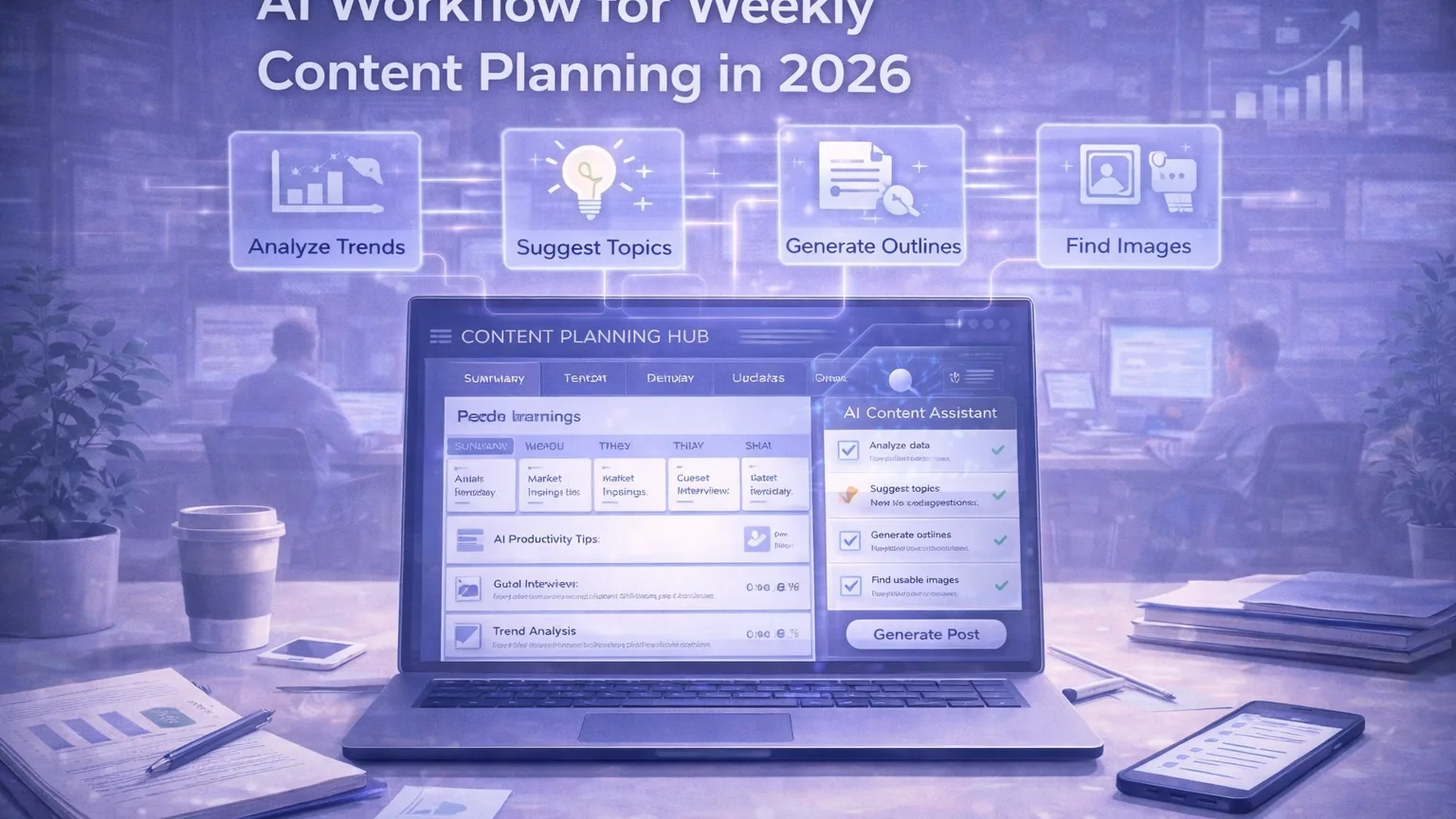
Weekly content planning sounds simple until a team has to do it consistently.
Most planning breakdowns do not happen because teams lack ideas. They happen because information is fragmented. Search intent lives in one place, audience questions in another, performance data somewhere else, and content priorities inside someone’s head. By the time planning begins, the team is already operating from partial context.
AI can help compress that mess into a clearer planning cycle.
The important part is that AI should support editorial judgment, not replace it. A good weekly planning workflow does not ask AI to “decide the strategy.” It uses AI to reduce prep work, synthesize signal, and speed up execution.
This guide shows how to build a practical AI workflow for weekly content planning in 2026.
What a good weekly planning system should do
A weekly planning workflow should help a team answer five questions:
- what should we publish next?
- why does it matter now?
- who is it for?
- what format should it take?
- what gets deprioritized this week?
If your workflow cannot answer those clearly, the result is usually content drift:
- too many random ideas
- weak prioritization
- duplicated effort
- rushed briefs
- poor follow-through
AI helps most when it reduces friction before those decisions are made.
Where AI fits best
AI is strongest in weekly planning when it is used for:
- clustering raw ideas
- summarizing recent performance
- extracting recurring audience questions
- turning research into draft briefs
- spotting overlap between proposed topics
- organizing priorities by theme, funnel stage, or audience type
- converting messy planning notes into a clean weekly agenda
AI is weaker when asked to:
- define strategy in a vacuum
- decide business priorities without context
- produce final topic choices without review
- invent demand where none exists
That means the best workflow is not “ask AI what to publish.”
It is “feed AI the right inputs so the team can plan faster and better.”
Step 1: Gather the weekly inputs
A solid planning session starts with a repeatable input bundle.
Useful inputs include:
- search queries or keyword clusters
- internal content performance from the previous week
- open content ideas
- product or business priorities
- audience questions from sales, support, or community channels
- competitor content worth noting
- updates to comparisons, tools, or guides that need revision
You do not need a huge dataset. You need the right signal.
A practical weekly planning packet might include:
- top pages from the last 7–14 days
- recent search themes
- questions asked repeatedly by users or customers
- strategic initiatives for the month
- existing content gaps
Once that packet exists, AI becomes much more useful.
Step 2: Turn noise into themes
Instead of reviewing every idea one by one, use AI to cluster inputs into themes.
Example themes:
- productivity workflows
- research workflows
- team adoption
- content governance
- tool evaluations
- internal systems
- AI for founders
This matters because planning is easier when the team thinks in groups rather than isolated ideas.
A good AI prompt here is not “what should we write?”
It is closer to:
- group these inputs into the most important weekly themes
- identify overlaps
- identify topics that are timely vs evergreen
- highlight which ideas serve awareness vs comparison vs decision-stage readers
This quickly creates order.
Step 3: Score potential topics
Once you have 5–10 possible topics, use a simple evaluation framework.
You do not need a complicated spreadsheet. A basic scorecard works:
- relevance now
- business fit
- search or audience demand
- uniqueness
- effort required
- internal expertise available
AI can help summarize these tradeoffs, but the team should still make the final call.
For example, AI can turn a rough list of ideas into a table like:
- topic
- likely audience
- likely search intent
- format recommendation
- dependencies
- priority suggestion
That saves time while keeping the human decision layer intact.
Step 4: Choose formats, not just topics
A weekly plan should not only say what gets made. It should say what form it takes.
A topic might become:
- long-form guide
- tool roundup
- comparison page
- update to an existing article
- short supporting post
- internal research note
- tool landing page
This is where many teams waste effort. They choose a subject but not the right format.
AI can help by recommending which output type best matches:
- intent
- urgency
- available resources
- internal linking goals
That is especially useful on a site like Leonivo, where the same theme may feed guides, comparisons, and tools content.
Step 5: Generate first-pass briefs
Once the weekly topics are selected, AI becomes extremely useful for draft briefs.
A useful brief should include:
- working title
- target audience
- search or reader intent
- article angle
- key sections
- internal links to reference
- CTA or outcome
- supporting comparisons or tools
- notes on what to avoid
The key is to treat the AI-generated brief as a first draft, not final truth.
The editor or owner should still refine:
- the angle
- the differentiation
- the factual grounding
- the priority order
But the draft brief dramatically reduces planning-to-writing delay.
Step 6: Turn the weekly plan into a real board
A planning workflow fails if it ends in a meeting doc nobody uses.
After planning, the output should become a simple operating board with statuses like:
- planned
- brief ready
- drafting
- editing
- design
- published
- refresh needed
AI can help create the board summary, but the team needs a real execution layer.
Useful final outputs:
- weekly content agenda
- article briefs
- comparison updates
- refresh tasks
- distribution notes
That turns planning into movement.
Step 7: Build in a review loop
A weekly planning workflow improves when the team reviews not just what was published, but how planning quality held up.
Helpful questions:
- which planned topics actually shipped?
- which topics stalled and why?
- were the briefs good enough?
- did priorities feel right in hindsight?
- what repeated friction showed up this week?
AI can summarize the planning session and the outcome review, making retrospectives much faster.
Over time, this creates better judgment, not just faster planning.
A practical weekly cadence
A simple cadence looks like this:
Monday or Tuesday
Collect inputs:
- performance
- search themes
- product context
- audience questions
Planning session
Use AI to:
- cluster themes
- rank candidate topics
- draft recommendations
- turn selected ideas into first-pass briefs
Midweek
Assign work:
- article owners
- comparison updates
- refresh tasks
- support assets
End of week
Review:
- what shipped
- what slipped
- what should carry over
- what the next packet needs
This is enough for many small teams.
Common mistakes
Asking AI to do strategy with no context
Without real inputs, the output becomes generic.
Planning too many topics
A short, focused weekly plan beats a long, unrealistic one.
Mixing ideation and commitment
Not every idea deserves a place in the weekly plan.
No connection to execution
If briefs do not turn into assigned work, planning becomes theatre.
Ignoring content refreshes
Sometimes the highest-leverage weekly task is updating a strong existing asset, not publishing something new.
What good looks like
A healthy AI-assisted planning workflow creates visible outcomes:
- less time spent debating what to do
- clearer priorities
- faster brief generation
- stronger alignment between topics and business goals
- fewer random content bets
- better coordination between editors, operators, and writers
That is the actual value.
The best teams use AI not to replace planning, but to remove the drag that makes planning inconsistent.
Final thoughts
Weekly content planning should not feel like restarting strategy from zero every Monday.
With the right inputs and a simple AI-assisted process, a team can move from scattered ideas to ranked priorities to clear briefs much faster.
The goal is not to automate editorial judgment away.
The goal is to give editorial judgment better raw material, better structure, and less administrative drag — so the team can spend more time making strong content decisions and less time rebuilding the same planning process every week.