
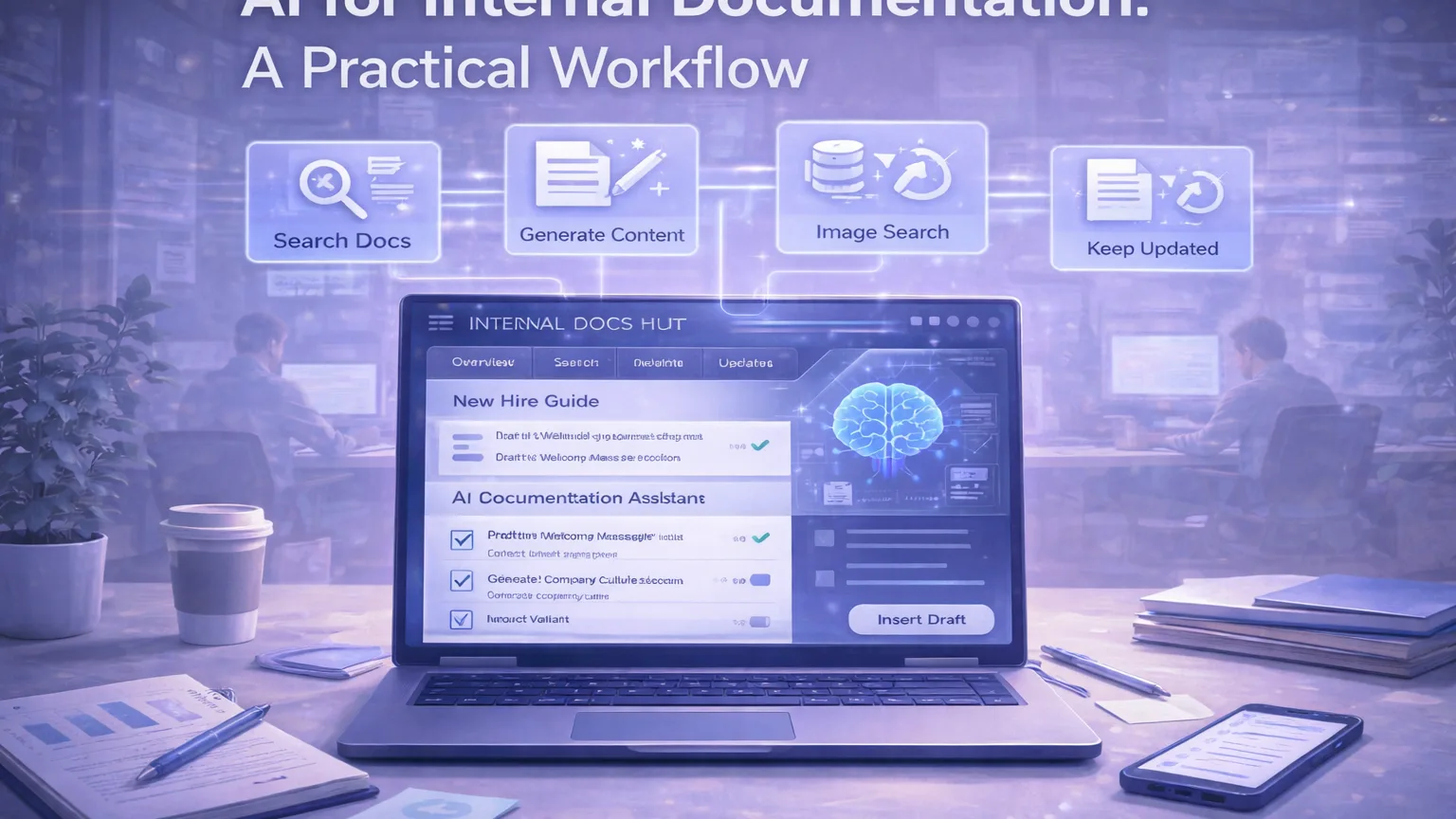
Internal documentation is one of those systems every team knows it needs and almost every team underinvests in.
The problem is not usually that teams do not write enough. The problem is that internal knowledge becomes scattered across chat threads, old project docs, planning notes, tickets, video calls, and onboarding pages that nobody updates. Over time, even good teams start answering the same questions repeatedly because the existing documentation is incomplete, outdated, or too hard to search.
This is where AI can help — but only if it is used as part of a workflow.
AI will not magically create a healthy documentation system on its own. If the source material is weak, the structure is unclear, or nobody owns maintenance, then AI just helps generate more clutter. But when used correctly, it can make documentation easier to draft, easier to organize, and much easier to maintain.
This guide outlines a practical workflow for using AI in internal documentation without turning your knowledge base into a pile of low-trust content.
Why internal documentation breaks
Most internal docs degrade for predictable reasons:
- they are written once and never reviewed
- ownership is unclear
- information lives in too many places
- teams optimize for speed, not clarity
- updates happen in chat, not in the source of truth
That means the real job is not “generate more pages.” The real job is to reduce friction between work and documentation.
A good AI documentation workflow should help your team do four things:
- capture information faster
- convert raw material into usable docs
- keep documentation structured and searchable
- make updates easier than ignoring them
If your setup does not help with those four things, AI will not fix it.
What AI is actually good at in documentation work
AI is most useful in documentation when the task is repetitive, structural, or synthesis-heavy.
Strong use cases include:
- turning messy notes into clean drafts
- summarizing long meetings or project updates
- extracting action items, decisions, and open questions
- rewriting rough technical explanations into clearer language
- generating first-pass templates for standard pages
- suggesting document structure and section titles
- helping unify tone across a documentation library
Weak use cases include:
- inventing process details that do not exist
- replacing subject-matter review
- generating policy or technical guidance without verification
- filling a knowledge base with generic filler text
That last point matters a lot. The fastest way to ruin trust in internal docs is to publish AI-written content that sounds polished but is wrong, vague, or outdated.
The practical workflow
A useful AI documentation workflow usually looks like this:
1. Capture raw source material
Do not start with a blank page if useful source material already exists.
Good raw inputs include:
- meeting notes
- project briefs
- changelogs
- issue tracker summaries
- support questions
- onboarding questions
- SOP drafts
- chat threads with repeated explanations
The goal here is simple: collect the highest-signal material before asking AI to do anything.
AI works best when it is transforming real information, not inventing it.
2. Convert raw notes into structured drafts
Once you have source material, use AI to convert it into a clean draft.
Ask for outputs like:
- summary
- decisions made
- action items
- process steps
- FAQ version
- onboarding version
- SOP version
- policy draft
- page outline
This is where AI saves time quickly. A rough set of notes can become a draft page in minutes instead of sitting unfinished for weeks.
The trick is to generate a draft with a clear purpose. Do not ask for “documentation.” Ask for a specific page type.
For example:
- “Turn these notes into an onboarding guide for new support agents.”
- “Turn this project recap into a short SOP for publishing content updates.”
- “Convert this engineering handoff into a troubleshooting checklist.”
Specificity improves usefulness.
3. Normalize the structure
A documentation system becomes much easier to use when pages follow predictable patterns.
Use AI to normalize:
- page titles
- section ordering
- tone
- terminology
- checklist formatting
- FAQs
- definitions
- next steps
For example, every operational page might use the same skeleton:
- purpose
- when to use this
- prerequisites
- step-by-step process
- common issues
- owner
- last updated
That structure matters more than most teams think. Search improves. Scanning improves. Onboarding improves. Maintenance improves.
AI is especially useful here because it can take inconsistent drafts and reshape them into the same format.
4. Add human review before publishing
This is the non-negotiable step.
Before a draft becomes part of your source of truth, someone responsible for the process should review it.
The reviewer should check:
- is this factually accurate?
- is anything missing?
- is the page specific enough to be useful?
- does it reflect the current workflow?
- does it create false confidence?
AI can help produce the draft, but trust still comes from review.
In practice, many teams fail here because they assume polished language equals reliable content. It does not.
5. Publish to a real source of truth
Do not let your “AI documentation workflow” end in a chat window.
The final version should go to a place your team actually uses:
- Notion
- Confluence
- Git-based docs
- internal wiki
- shared operations hub
The specific tool matters less than consistency. What matters is that the documentation has a clear home and is easy to find.
If the final output remains trapped in chat, it is not documentation. It is just temporary assistance.
6. Create a lightweight update loop
This is where most teams fail.
A documentation system only stays useful if updates are routine.
A simple maintenance loop might include:
- monthly review of high-traffic docs
- update trigger after major workflow changes
- stale-content check for old SOPs
- recurring review of onboarding materials
- docs linked to process owners
AI can help here too. It can compare older documentation against newer notes, summarize changes, and propose revisions.
The best setup is not “write more docs.” It is “make maintenance easier than neglect.”
Best page types to start with
If your docs are messy, do not try to AI-upgrade everything at once.
Start with page types that create the highest leverage:
SOPs
Standard operating procedures are ideal because they benefit from structure and consistency.
Onboarding pages
These are usually repetitive and often become outdated, which makes them good candidates for AI-assisted cleanup.
Internal FAQs
Great for turning repeated Slack questions into searchable answers.
Project handoffs
AI is useful for extracting decisions, context, and next steps from messy project material.
Troubleshooting docs
These become dramatically more useful when rewritten into a cleaner step-by-step format.
A simple team operating model
If you want this to work in a real team, keep roles simple.
A lightweight model:
- contributors capture notes, process changes, and rough material
- AI creates first-pass drafts and normalized structures
- owners review and approve documentation
- maintainers check for staleness on a regular schedule
You do not need a full knowledge-ops team. You just need enough ownership that docs do not become abandoned.
Common mistakes
Publishing too much too fast
If you flood your internal docs with AI-generated pages, trust drops quickly.
No source-of-truth discipline
If information still lives everywhere, AI just helps produce more versions of the truth.
No owner per page or system
Documentation decays when nobody knows who is responsible.
Overusing AI for specialist content
Technical, legal, or policy-heavy content still needs strong human validation.
Treating search as a substitute for structure
Even with AI search, bad document design is still bad documentation.
What good looks like
A healthy AI documentation workflow does not look flashy.
It looks like this:
- new hires can find answers quickly
- repeated questions decrease
- process pages are easier to update
- project knowledge survives handoffs
- documentation reflects current work, not last quarter’s habits
That is the real win.
The goal is not to build the most impressive internal wiki. The goal is to reduce confusion, reduce repeated explanations, and make knowledge reusable.
Final thoughts
AI is genuinely useful for internal documentation — but only when it is paired with structure, review, and ownership.
Use it to transform raw material into drafts, standardize page formats, and reduce the maintenance burden. Do not use it to mass-produce low-trust pages nobody believes.
A good documentation system is not built by generating more words.
It is built by making useful knowledge easier to capture, easier to verify, and easier to keep current.