
Most people who try AI for research make the same mistake: they open ChatGPT, type a question, and take whatever comes back at face value. Then they wonder why the results feel shallow — or worse, why something turned out to be wrong.
The problem isn’t the tool. It’s the workflow.
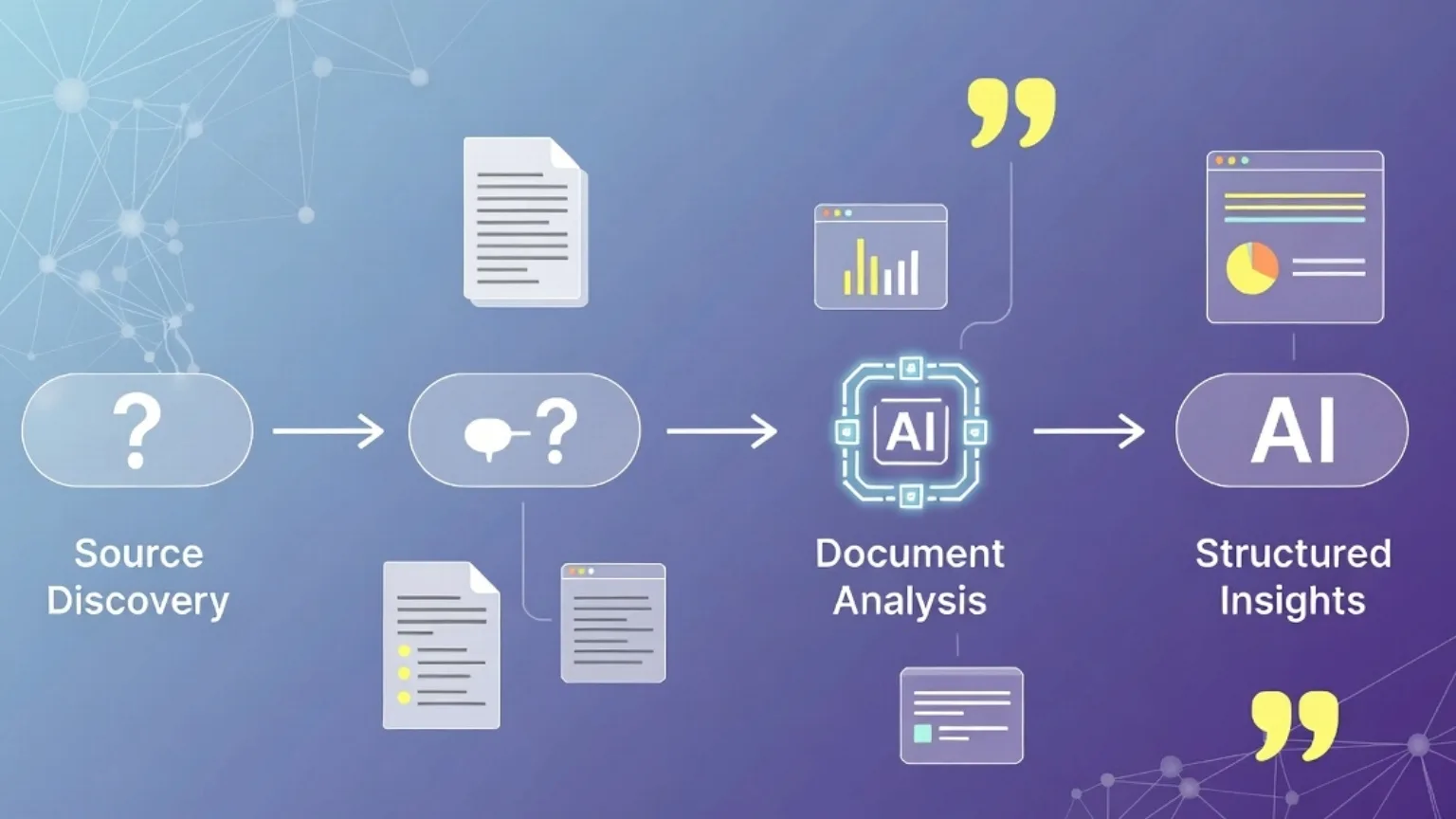
When you build a proper research workflow around AI, something clicks. Tasks that used to take a full afternoon start taking an hour. You stop drowning in tabs. You actually understand the topic instead of just collecting links about it.
Here’s how to do it right.
Step 1 — Start With a Broad Question, Not a Search Query
Most people go straight to Google with a half-formed query like “best AI research tools 2026.” That gets you listicles and ads.
Instead, open an AI assistant and ask a real question:
“I need to understand how [topic] works. What are the key concepts I should know before I go deeper?”
This gives you a map before you start the journey. You’ll quickly see which parts of the topic matter and which ones you can skip — and you’ll know what to actually search for next.
Why it works: AI is genuinely good at giving you orientation. It’s like asking a knowledgeable friend to explain something before you go read about it yourself.
Step 2 — Use AI to Find the Right Sources (Not to Replace Them)
Here’s something a lot of people get wrong: AI isn’t a substitute for real sources. It’s a tool for finding and filtering them faster.
Once you have your map from Step 1, ask the AI:
“What types of sources should I look for on this topic? Are there specific publications, researchers, or databases worth checking?”
Then go find those sources yourself. Read them. Use AI to summarize long documents you don’t have time to read in full — but always check the original if something seems important.
This keeps your research grounded in real information, not just what the model happens to know.
Step 3 — Summarize and Extract, Don’t Just Paste
Found a 40-page report that’s relevant to your topic? Don’t read the whole thing. Don’t just paste it in and ask “what does this say?” either — that’s too vague.
Instead, be specific:
“Here’s a report on [topic]. I need to know: what are the 3 main findings? Are there any statistics I could use? What does it say about [specific angle]?”
Targeted questions get targeted answers. You’ll pull exactly what you need in two minutes instead of skimming for twenty.
Step 4 — Build a Running Summary as You Go
This is the step most people skip — and it’s the one that saves the most time later.
As you research, keep a simple document open and paste in your key findings, quotes, and ideas. Every few additions, ask AI to help you organize it:
“Here are my research notes so far. Can you group these into themes and flag anything that seems contradictory?”
By the time you’re ready to write or present, you don’t have a mess of tabs and highlights. You have a structured set of insights ready to use.
Step 5 — Pressure-Test What You’ve Found
Before you wrap up your research, do one final check. Ask the AI:
“Based on what I’ve shared, are there any obvious gaps in my research? What perspectives or counterarguments might I be missing?”
This step catches blind spots. It’s easy to unconsciously collect sources that confirm what you already think. A quick challenge round forces you to confront the angles you might have ignored.
A Real Example
Say you’re researching whether your small business should adopt AI writing tools.
- Step 1: Ask AI to explain the landscape — what kinds of tools exist, what they’re good at, where they fall short.
- Step 2: Ask what sources to consult — industry blogs, case studies, user reviews on G2 or Reddit.
- Step 3: Find a detailed comparison article and ask AI to pull out the points most relevant to a small team.
- Step 4: Keep a running doc: pros, cons, pricing notes, things to test.
- Step 5: Ask AI what you might be overlooking — maybe you haven’t considered the learning curve, or the cost at scale.
Total time: under an hour. Old way: half a day, minimum.
What to Avoid
Don’t treat AI output as fact. Models can be confidently wrong, especially on recent events or niche topics. Always verify anything important.
Don’t skip the sources. AI summaries are a starting point, not a finish line. Real research still requires reading real things.
Don’t ask vague questions. “Tell me about climate change” gets you a Wikipedia summary. “What are the three most debated claims in current climate policy?” gets you something useful.
The Takeaway
AI doesn’t do your research for you. What it does is remove the parts of research that waste your time — the aimless browsing, the slow orientation, the manual sorting through irrelevant material.
Used well, it’s like having a research assistant who never gets tired, never complains, and always has time to help you think through a problem.
The workflow above works whether you’re writing an article, preparing for a meeting, or trying to understand something completely new. Start with orientation, use real sources, be specific with your questions, and always pressure-test what you find.
That’s it. No magic — just a better process.